2025
Babangdeal
Overview
When people hit their 30s, they usually start thinking about houses, renovations, or even small contractor businesses. The common problem? Buying building materials is a hassle—you need to go to different stores, prices aren’t always clear, and not every brand is easy to find.
That’s where Babangdeal comes in: an online marketplace for building materials with trusted brands, transparent pricing, and a clear payment system.
Homepage
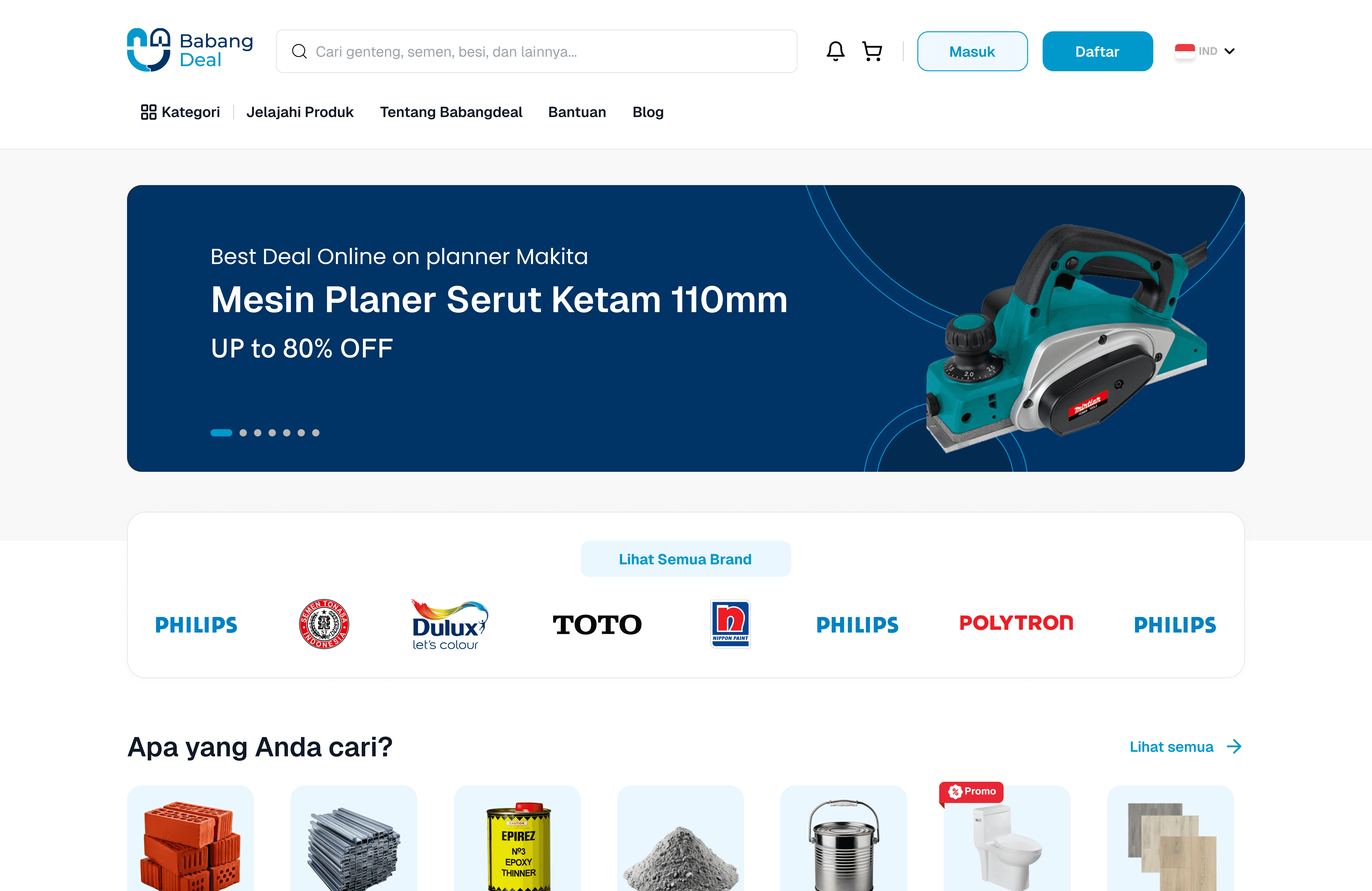
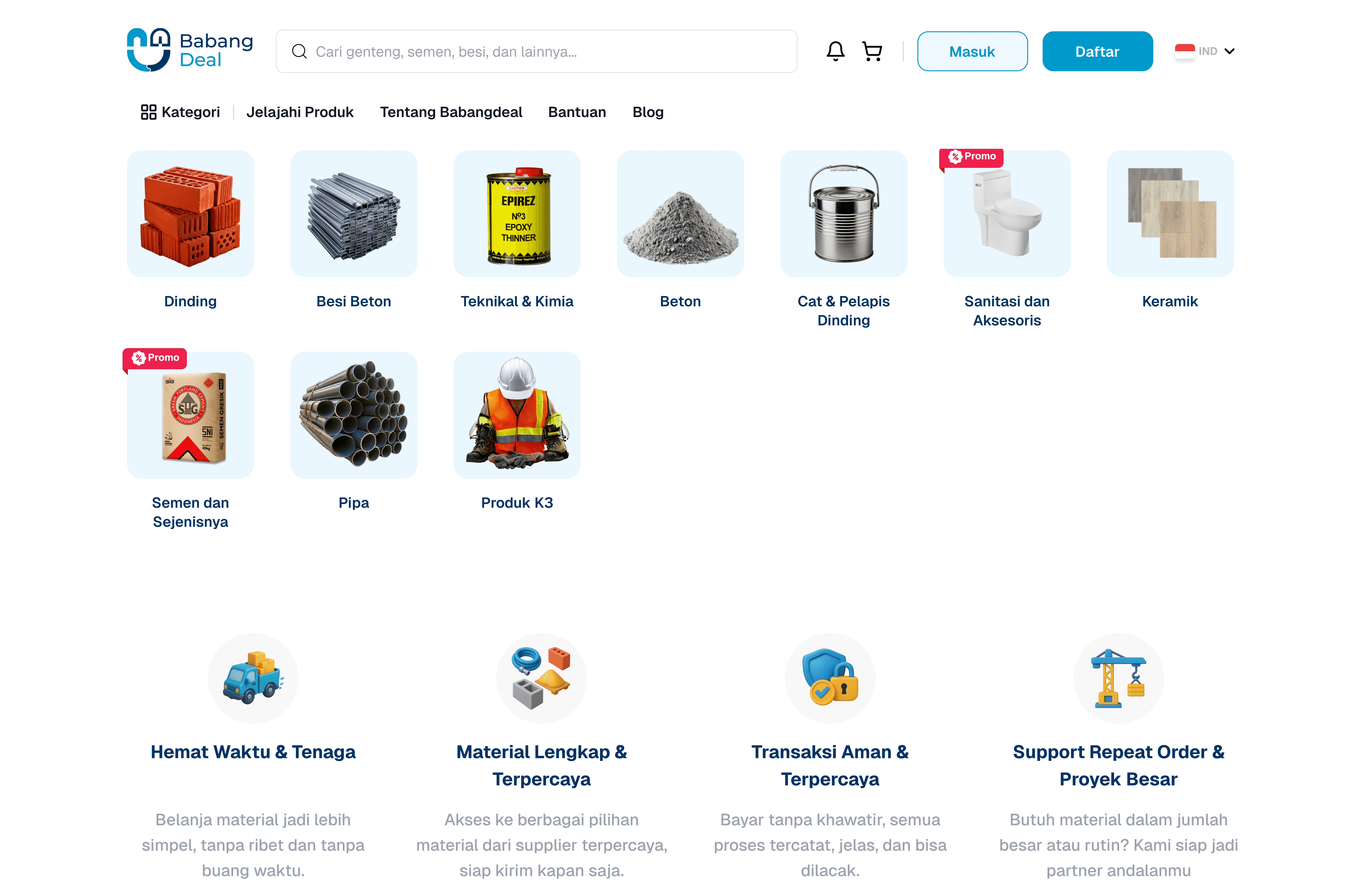
Clean and simple: promo banners, popular categories (cement, paint, pipes, tiles, etc.).
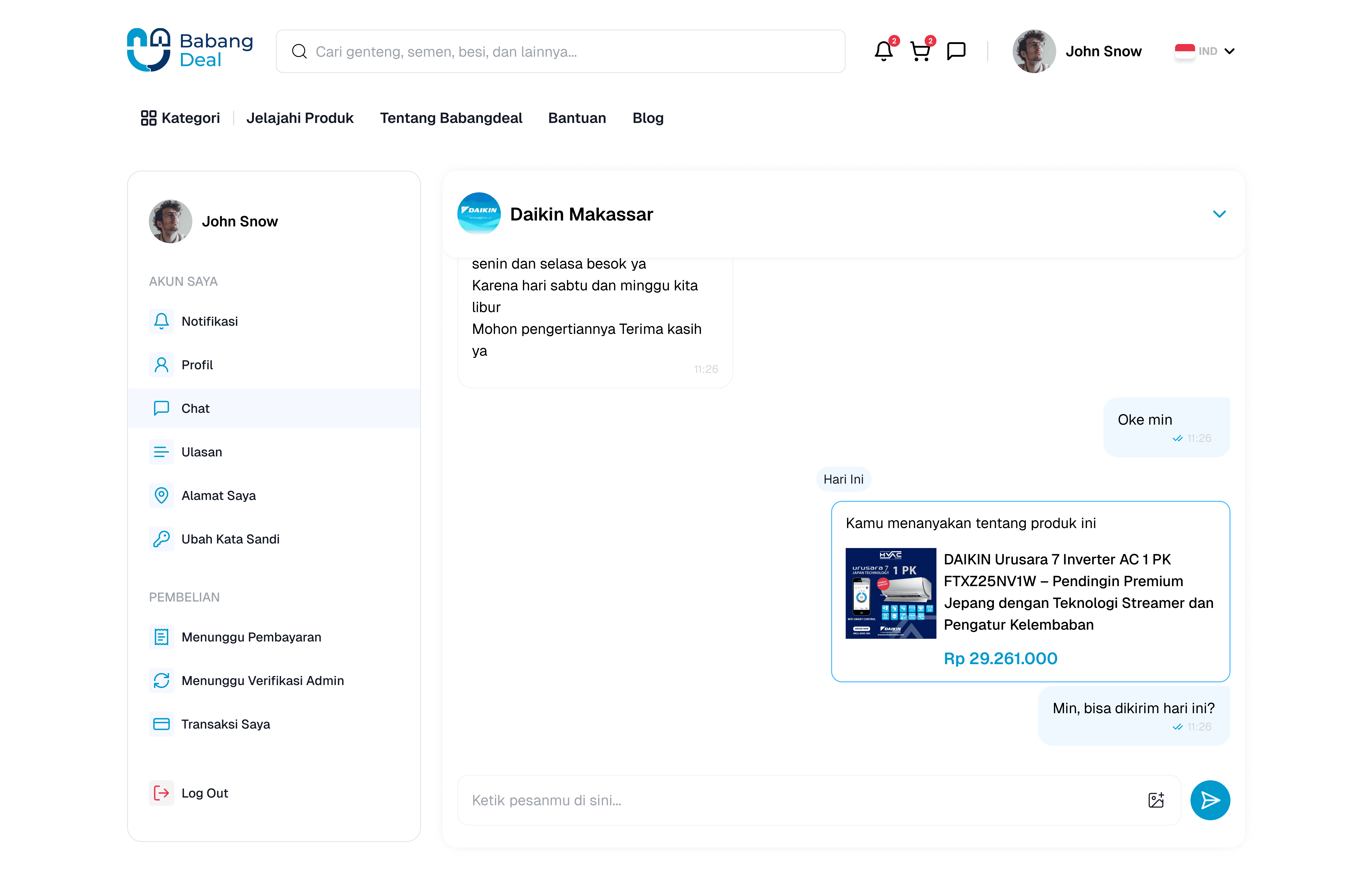
A big search bar makes it easy to find products right away.
Goal: users don’t need to scroll forever—just search or click categories.
👉 Example user story: “Mr. Budi opens Babangdeal, types Gresik cement in the search bar, and boom—results are right there.”
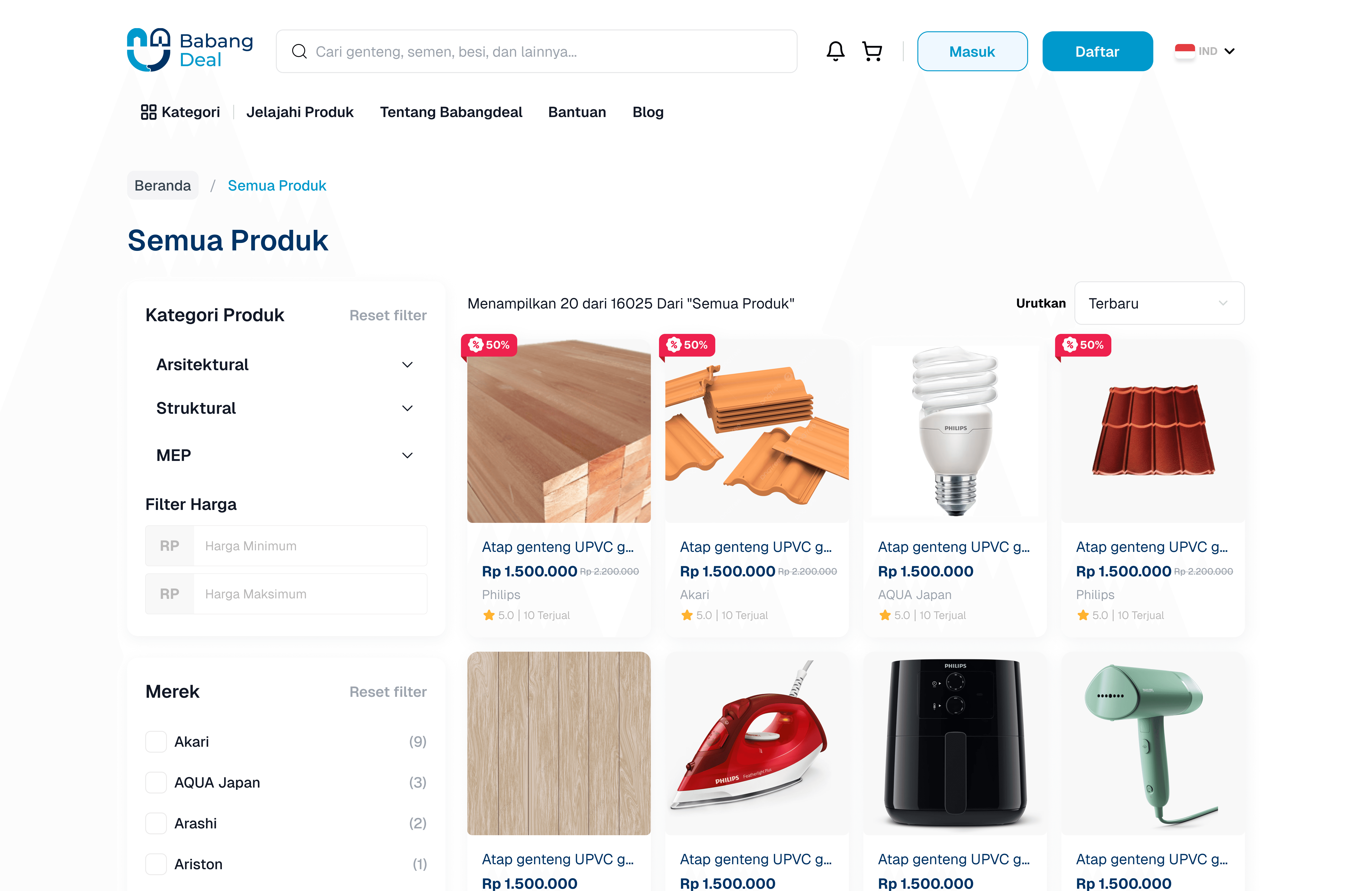
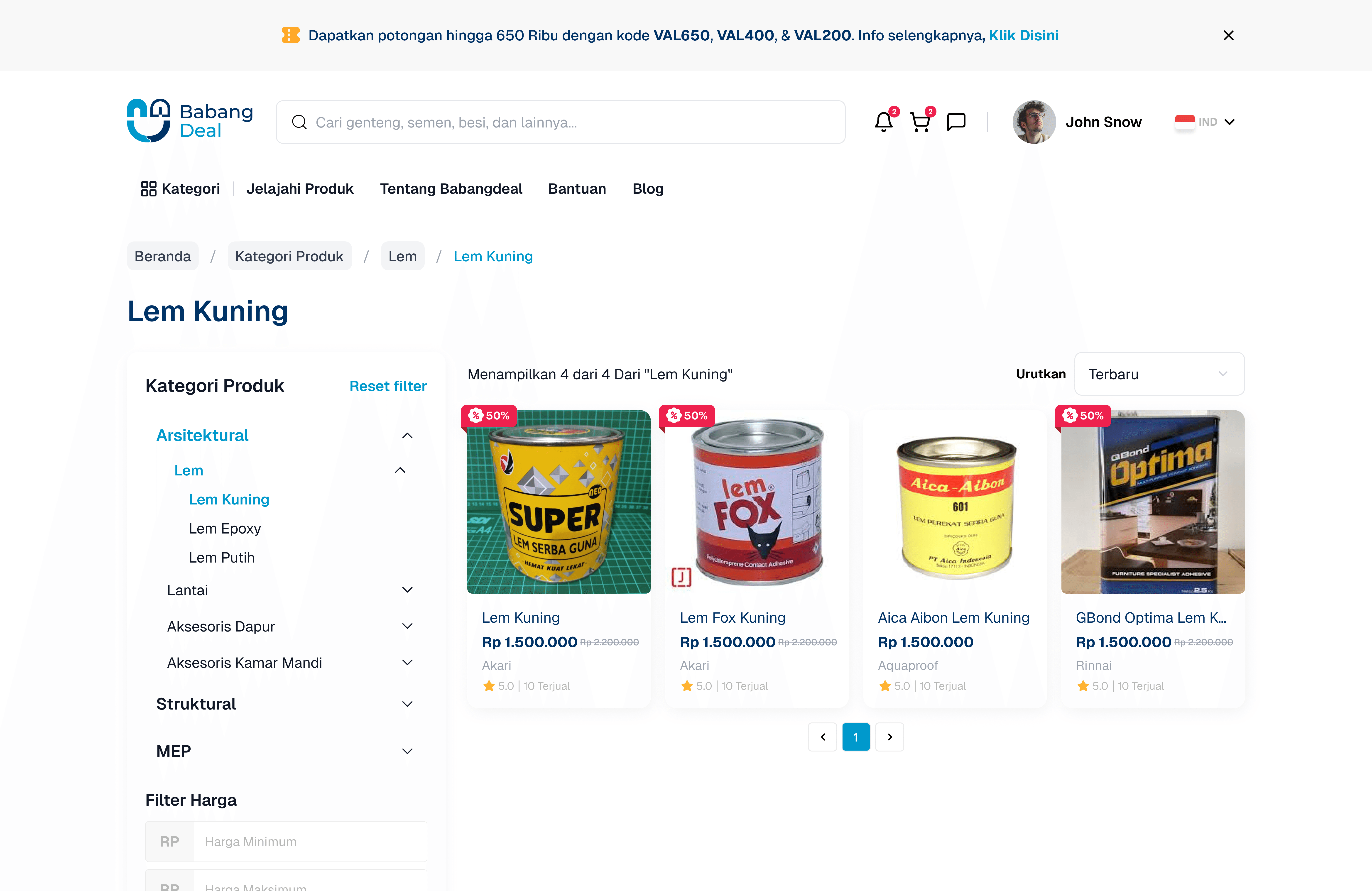
Product List Page
Shows products from multiple brands in the same category.
Filters for price, brand, and stock availability.
Clear product photos with short info (price, size, rating).
👉 Example user story: “Mr. Budi compares Holcim and Tiga Roda cement, checks the price, and clicks one for details.”
Product Detail Page
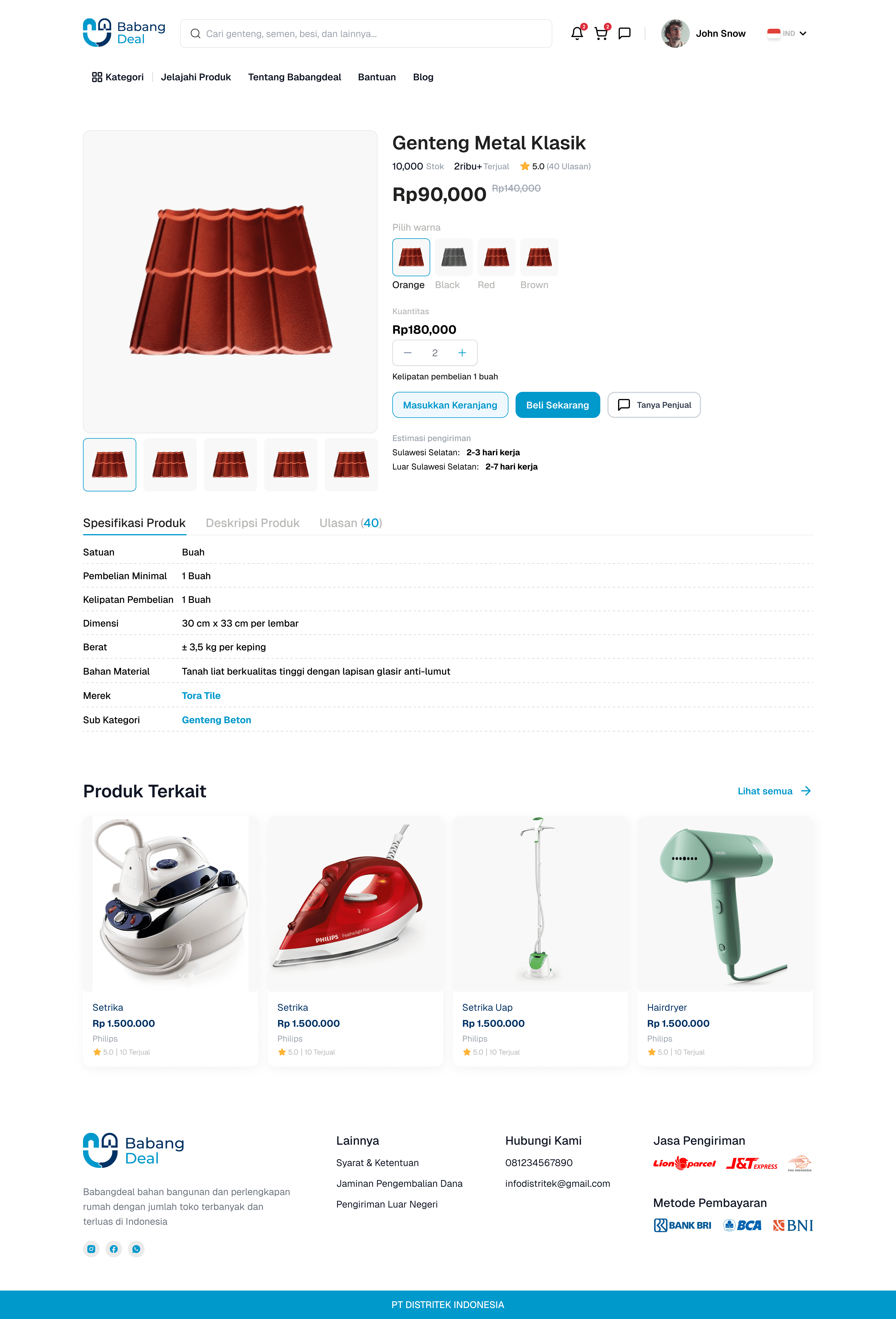
Bigger product images, complete description (weight, durability, specs).
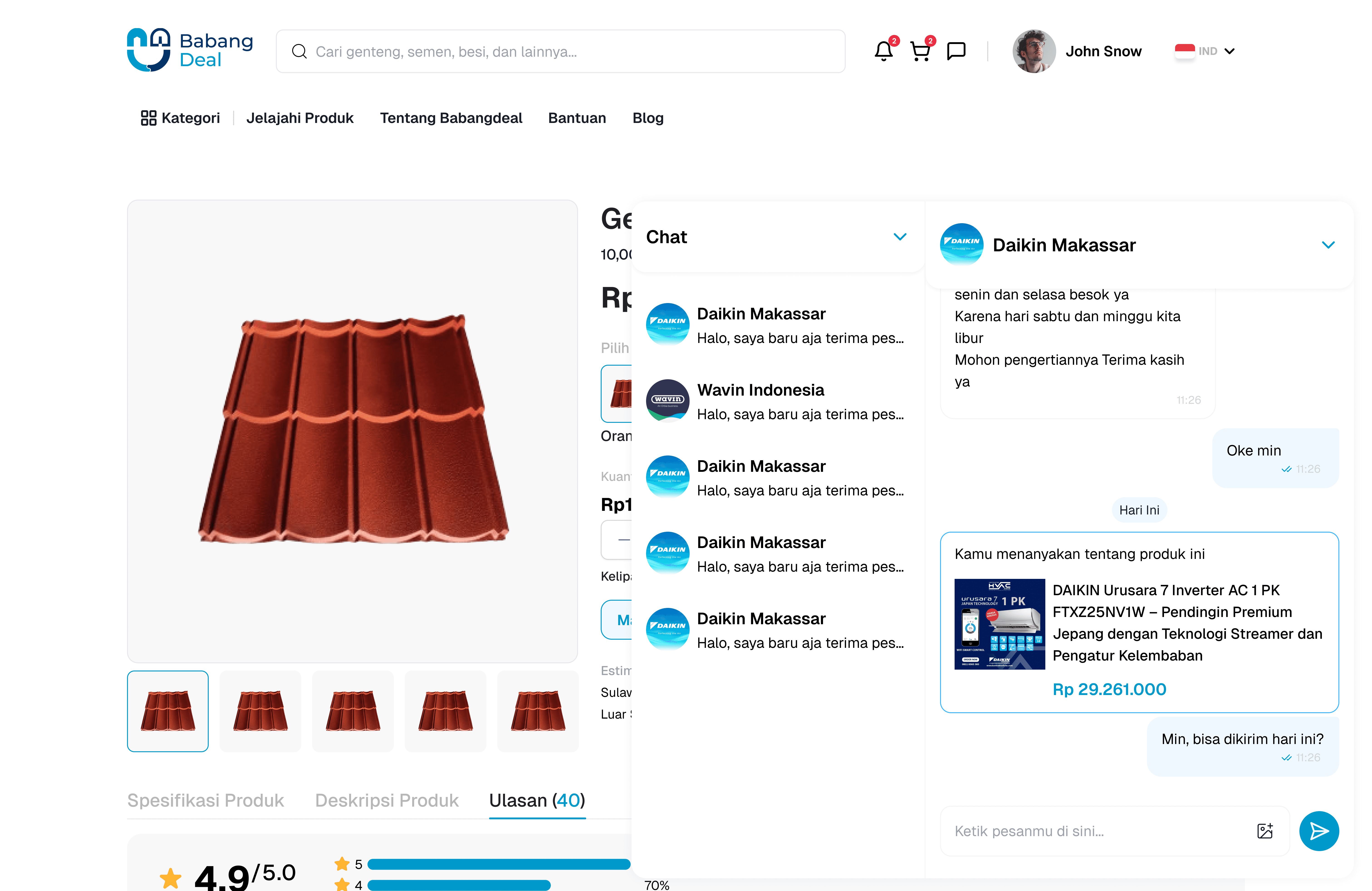
A “Chat Seller” button so users can ask about stock or delivery costs directly.
👉 Example user story: “Mr. Budi isn’t sure about delivery fees, so he taps Chat Seller. Two minutes later, he gets an answer.”
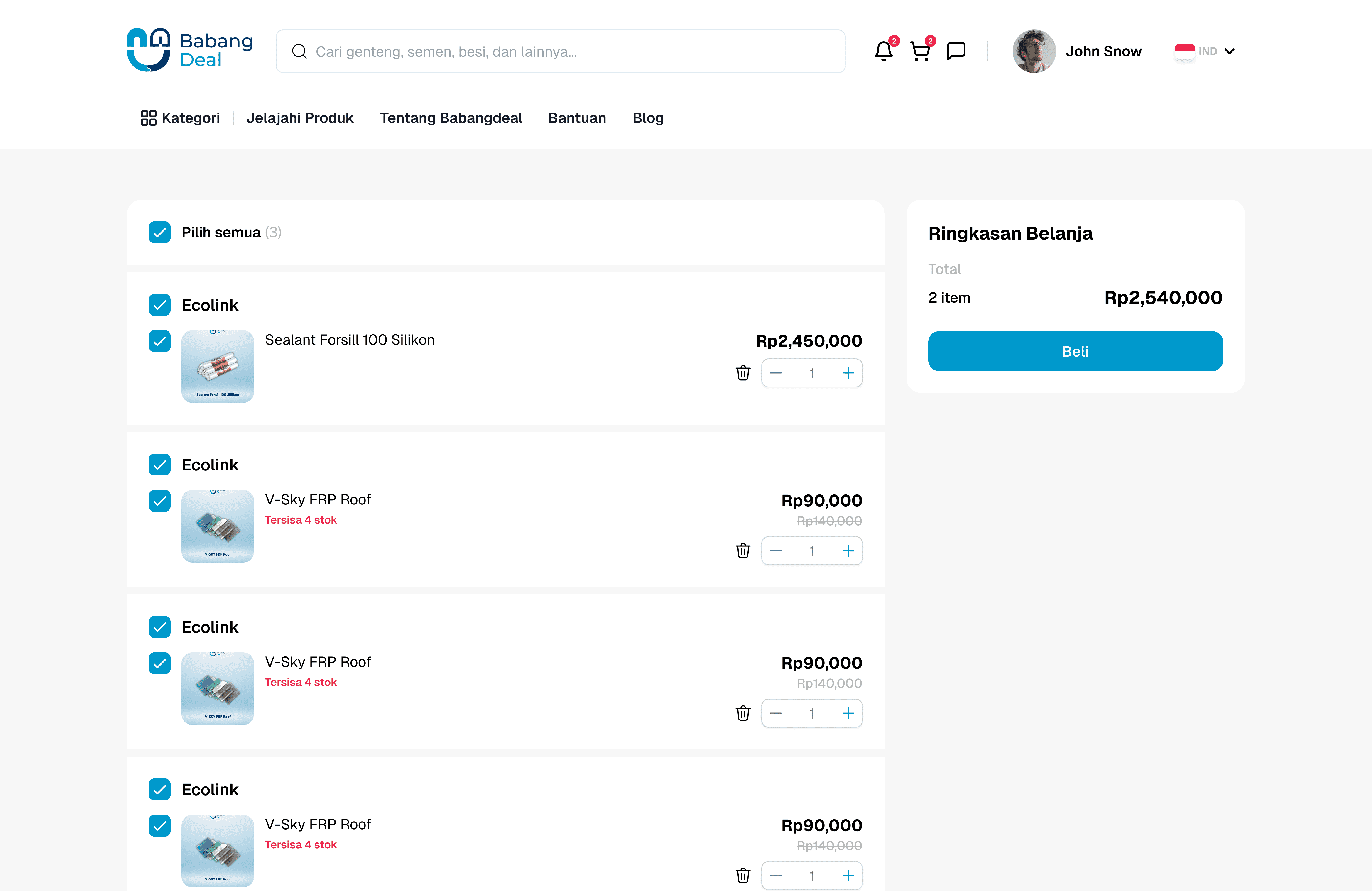
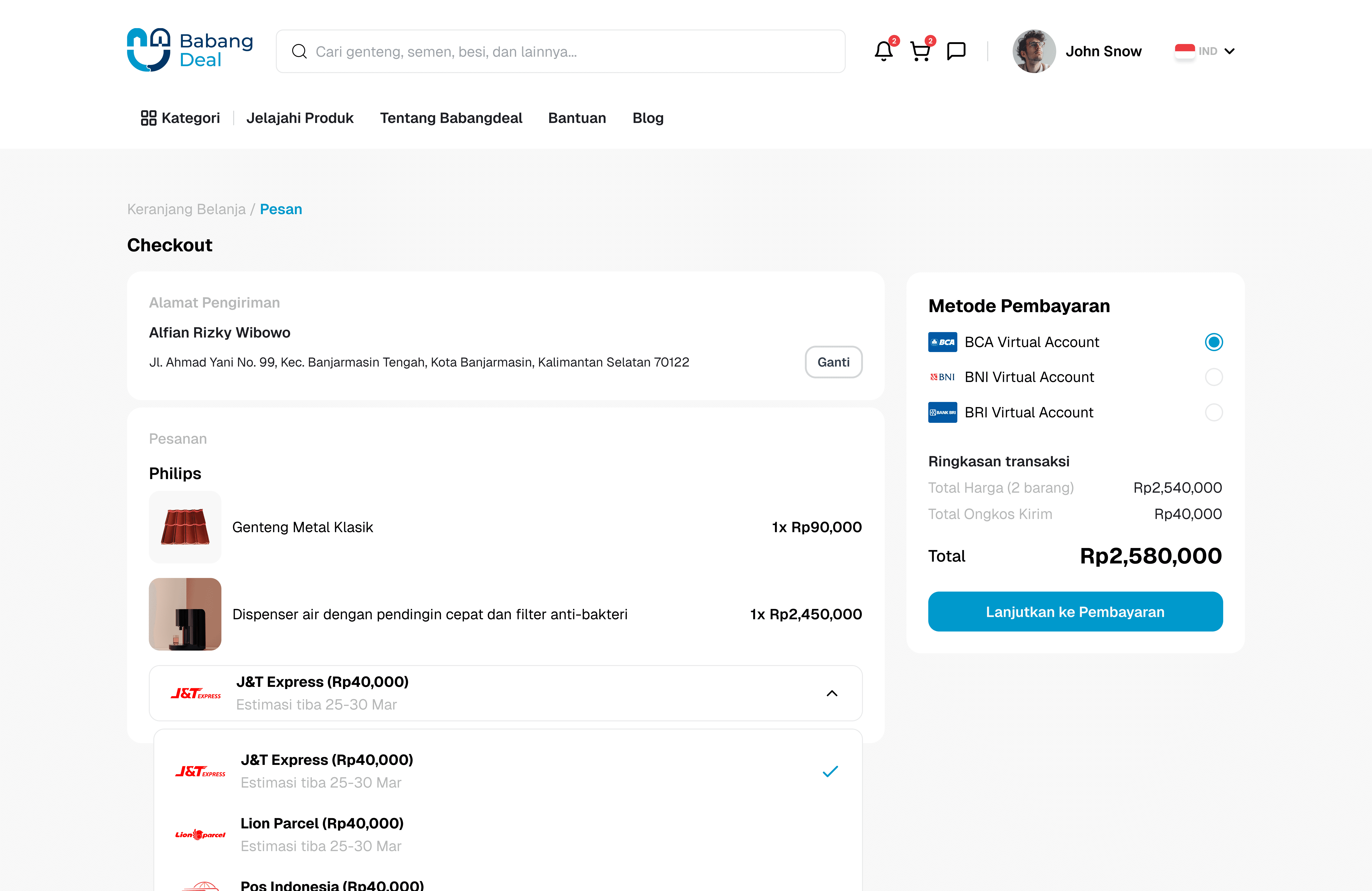
Checkout Page
Displays all products ready to be checked out.
Choose delivery option (Babangdeal Logistics or third-party couriers).
Select Virtual Account bank (BCA, Mandiri, BRI, etc.).
Shows shipping cost upfront so there are no surprises.
👉 Example user story: “Mr. Budi adds cement + paint, picks Babangdeal Logistics, sees the shipping fee, and clicks checkout → straight to payment.”
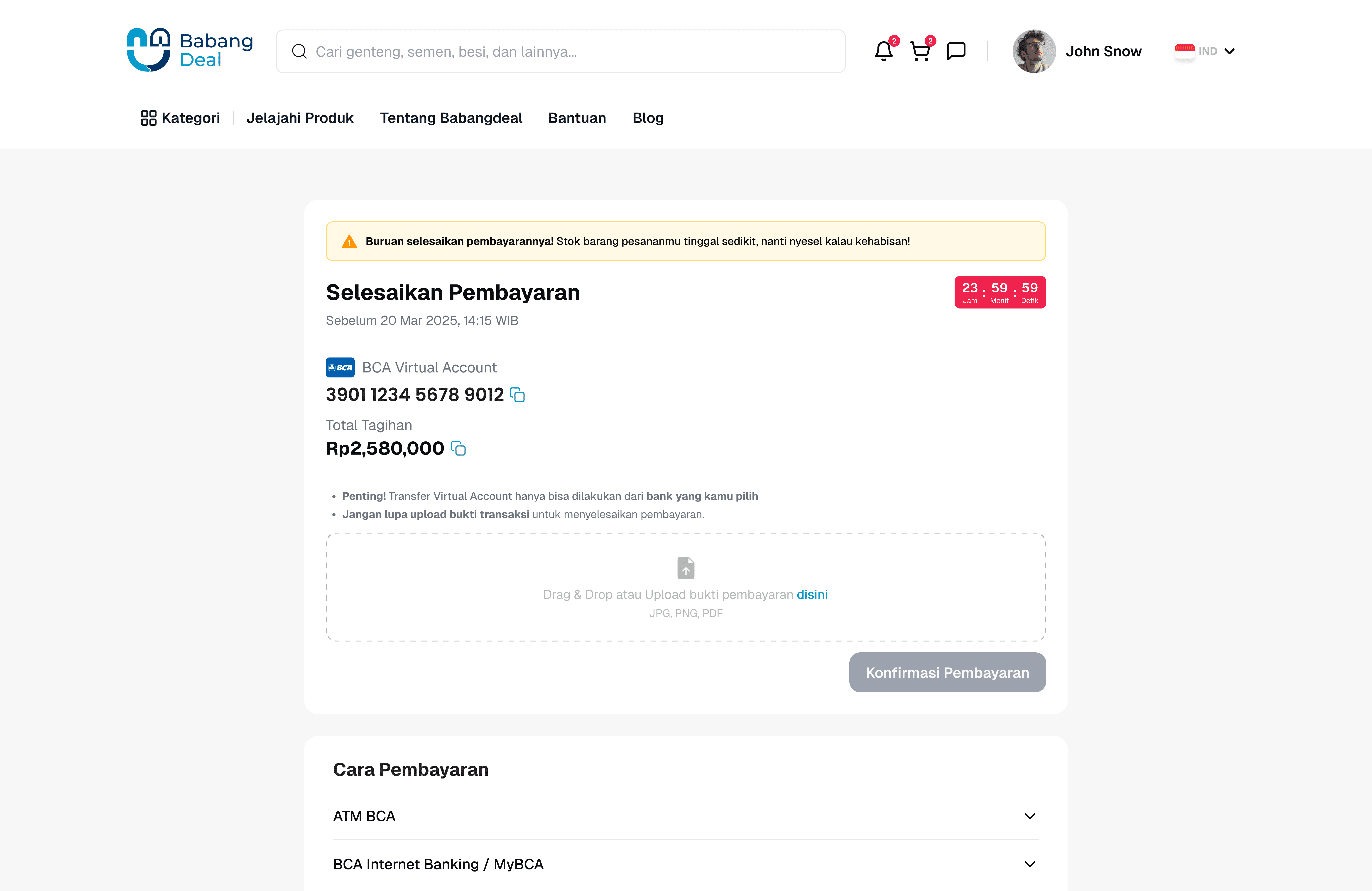
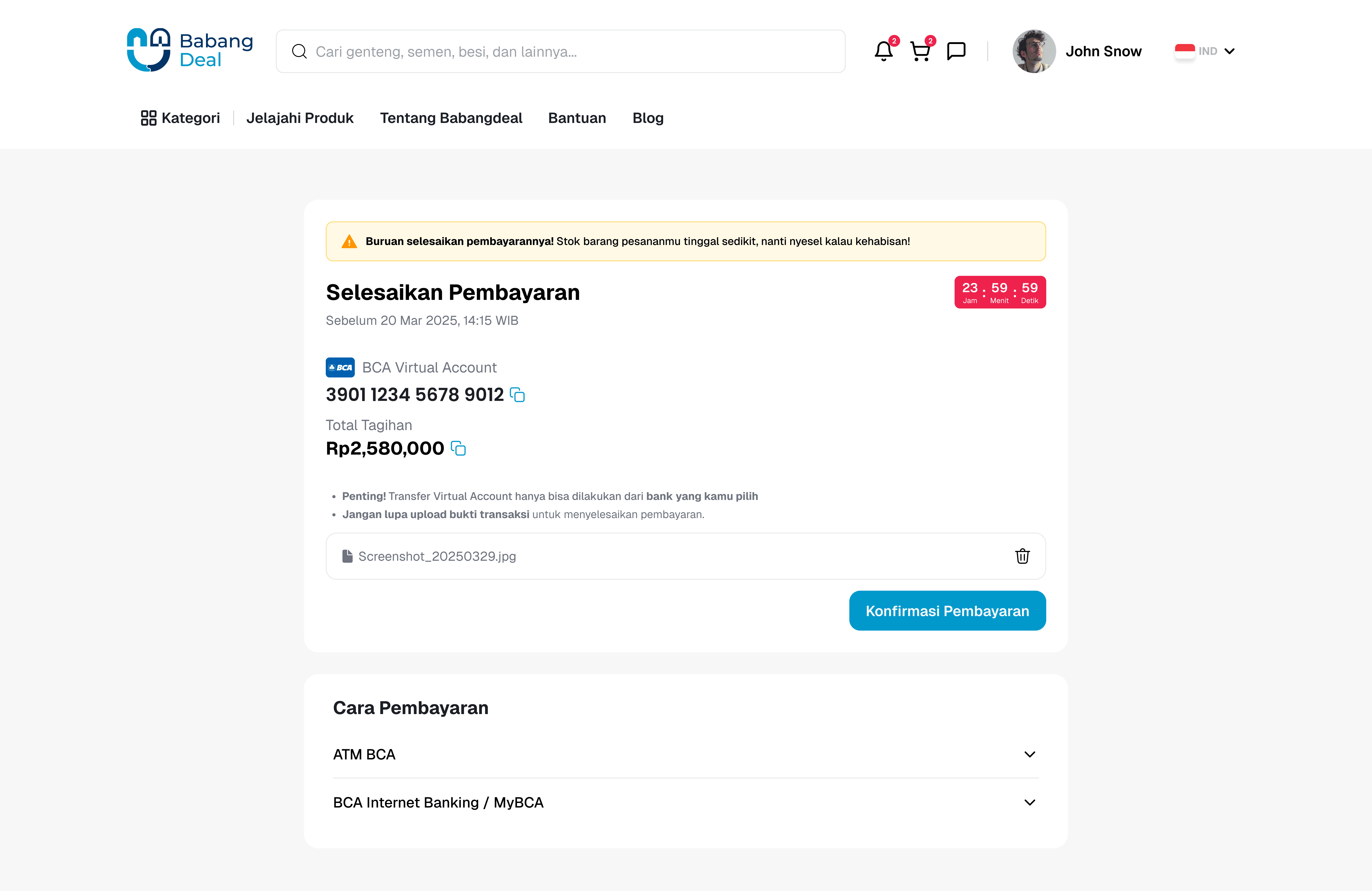
Payment Page
Shows:
Payment deadline (e.g., 24 hours).
Payment methods (VA, manual transfer, etc.).
Upload proof of payment.
Clear instructions so even users who aren’t super tech-savvy won’t get lost.
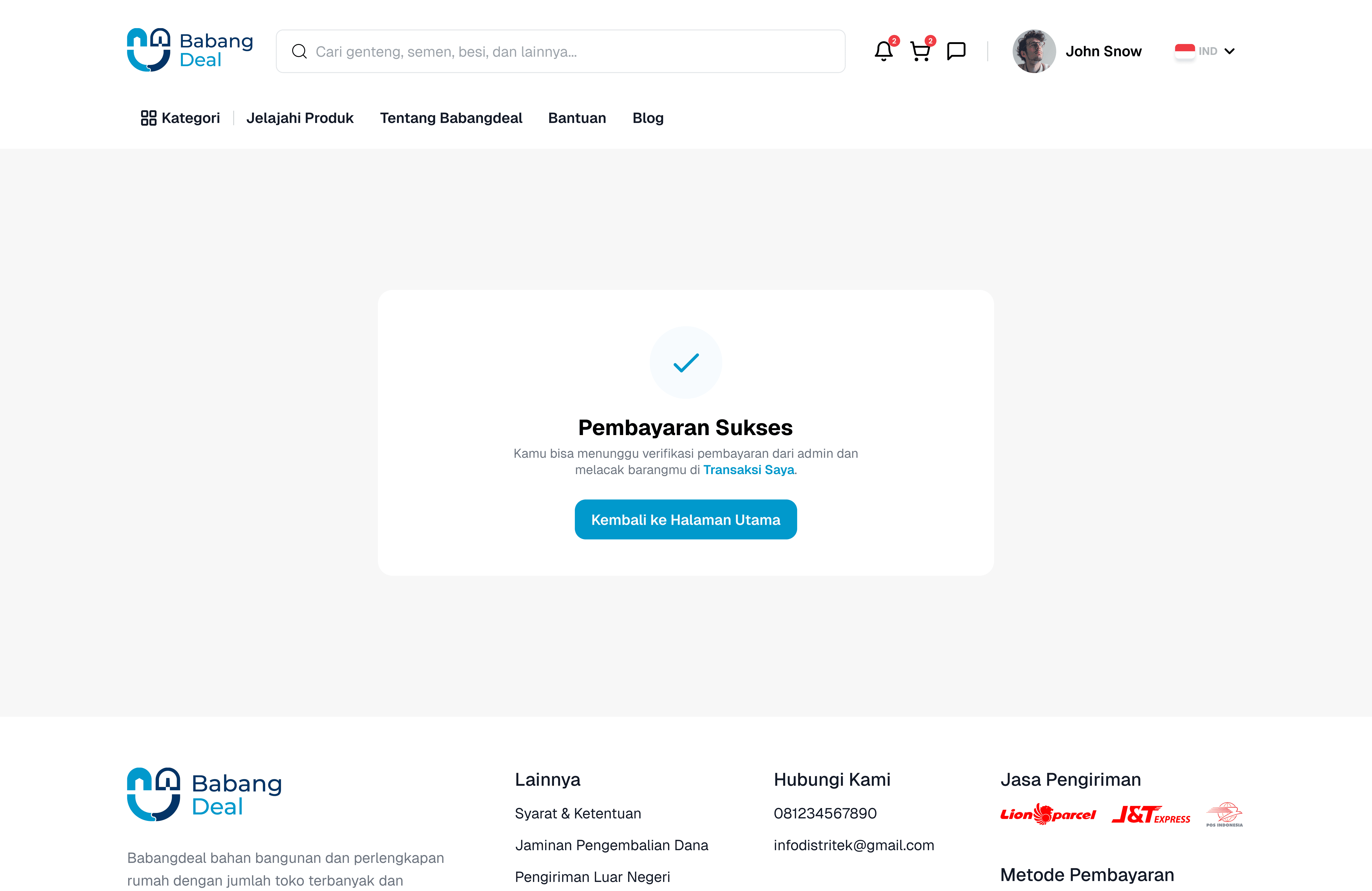
👉 Example user story: “Mr. Budi transfers via bank, uploads the receipt, and right away his status changes to Waiting for Verification.”
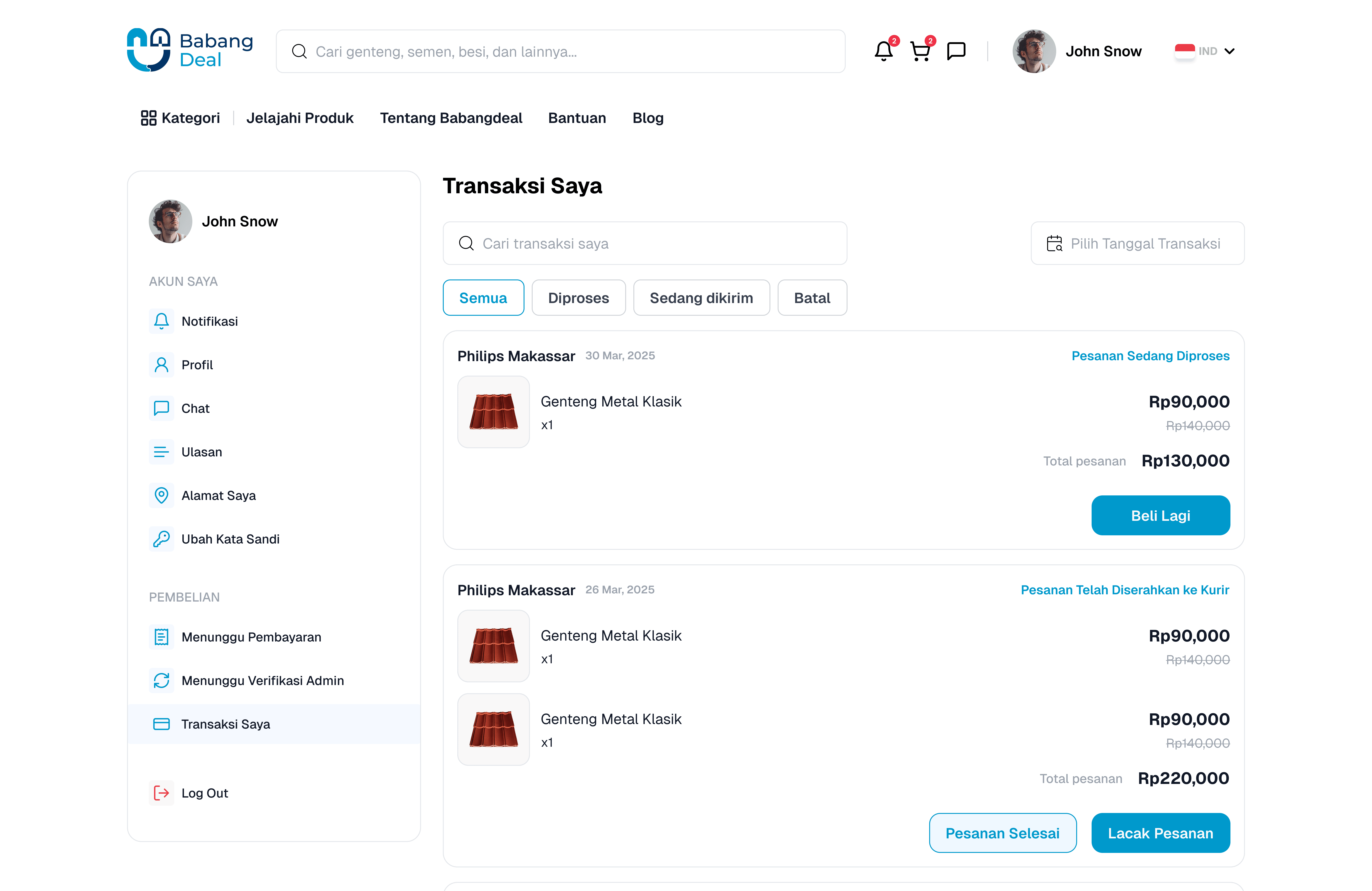
Transaction Page
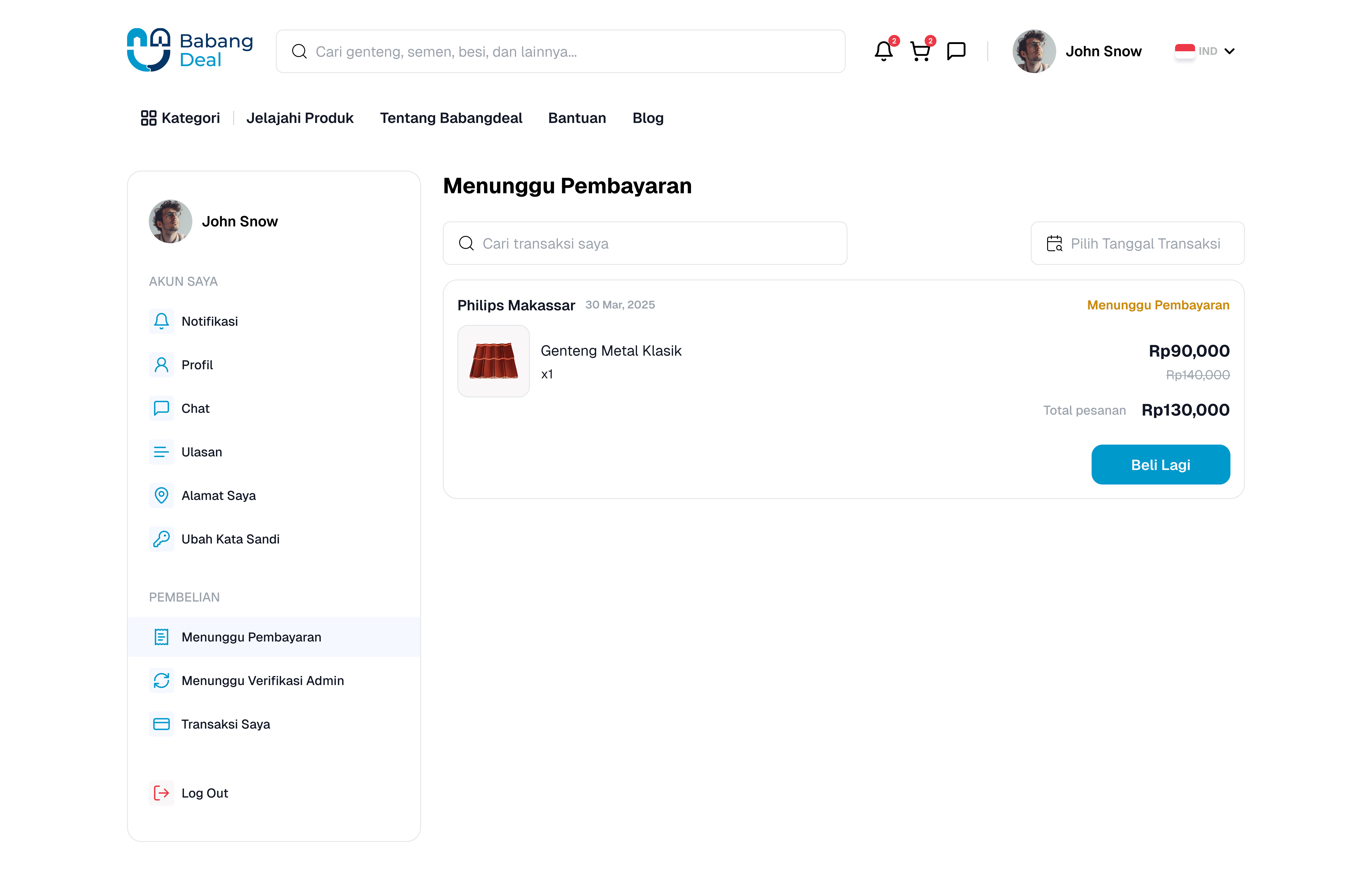
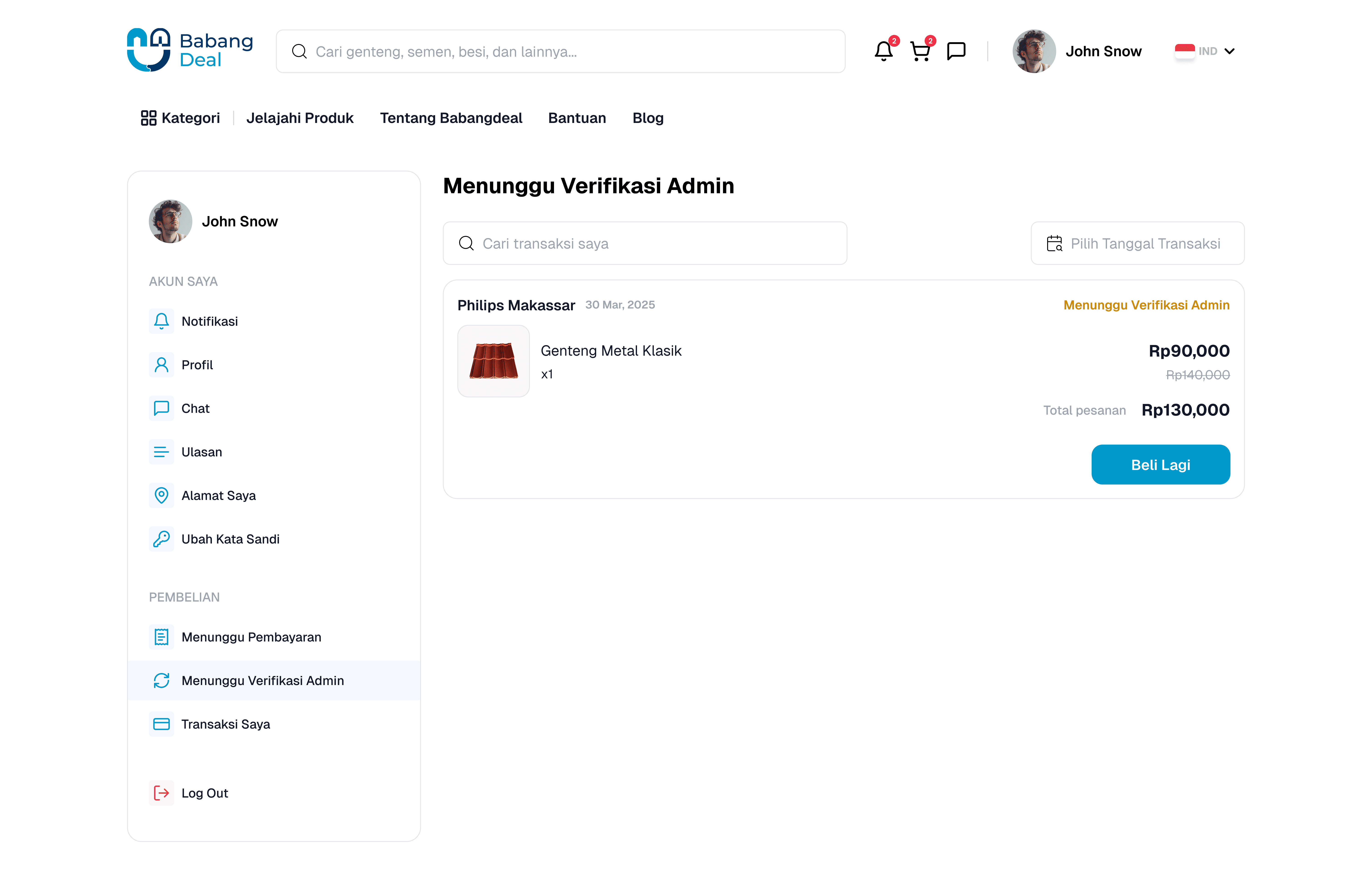
Includes several statuses:
Waiting for Payment
Waiting for Payment Verification
My Transactions (shows all past transactions)
Helps users track everything easily, like an order tracker.
👉 Example user story: “After checkout, Mr. Budi sees his order under Waiting for Payment. He feels safe knowing it’s recorded.”
Order Tracking Page

This page lets users track their order step by step, so they don’t feel left in the dark.
Progress Tracker: Clear step indicators from Order Created → Waiting for Courier → On Delivery → Delivered.
Order Info: Delivery address, timeline updates (e.g., when the order is handed over to the courier, in transit, or delivered).
Item Info: Shows what items were ordered, quantity, and prices.
Payment Recap: Payment method (e.g., BCA VA), total item cost, shipping cost, and final total.
👉 Example user story:
“Mr. Budi orders classic roof tiles and glue. On the Order Tracking page, he sees:
The order was created this morning.
The seller handed it over to the courier.
Now it’s on the way to Banjarmasin.
He feels reassured because he can follow every step until the package arrives at his door.”